From your PC to your first service
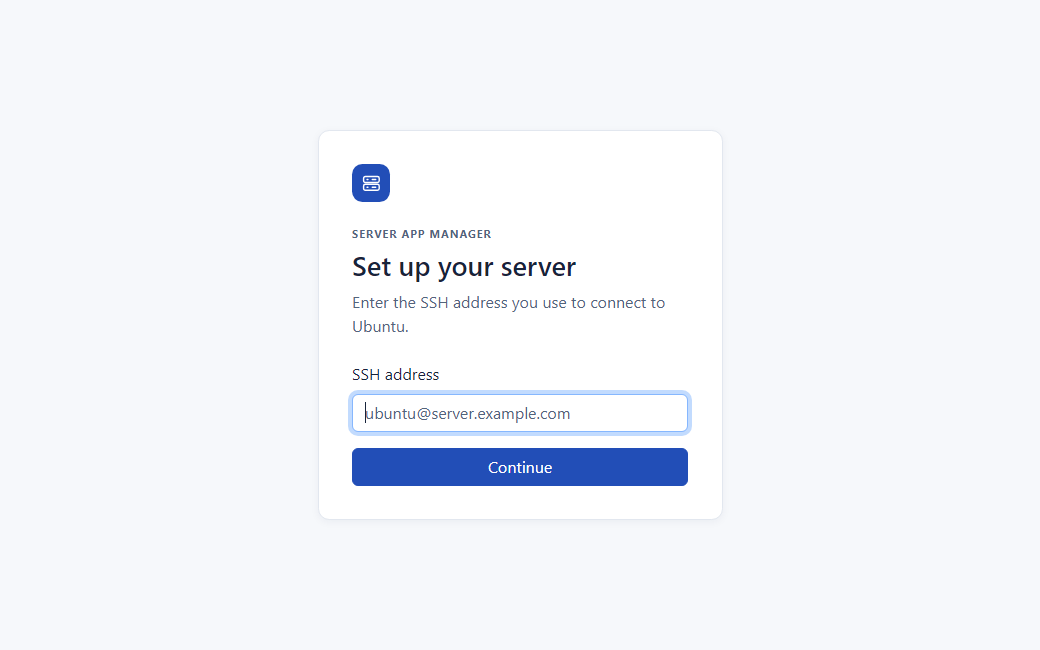
- Start locally. Open the dashboard in your browser on the same PC as the app.
- Verify the Ubuntu host. Enter the SSH address you use and check the fingerprint before entering a password.
- Review an application. Find a candidate, confirm its systemd unit and add it to the list.
- Inspect before acting. Open status and recent logs. When a change is needed, review the action and check its actual result.
Use the quickstart to try this flow with a disposable test server. See the feature guide for the other dashboard pages.